Vendor early access beta

NinjaPlunder for card shops

A hosted shop, scanner, pricing queue, order workflow, and live-selling toolkit for collectible sellers who need inventory online fast without rebuilding their operations around five separate apps.

That is enough to contact you later. The survey is optional; filling it out helps us choose the best beta candidates first.

Scan

Capture cards, sealed product, photos, and condition notes into shop inventory.

Price

Review value, margin, and listing readiness before items go live.

Sell

Run a branded shop with checkout, pickup, shipping, and order tracking.

Grow

Add live selling, consignment, marketplace exports, and buyer accounts.

See the card flow before you commit.

These are product screens from the PosixNinja shop flow: capture cards, manage the live catalog, publish inventory to the storefront, and move buyers from listing to checkout without another spreadsheet pass.

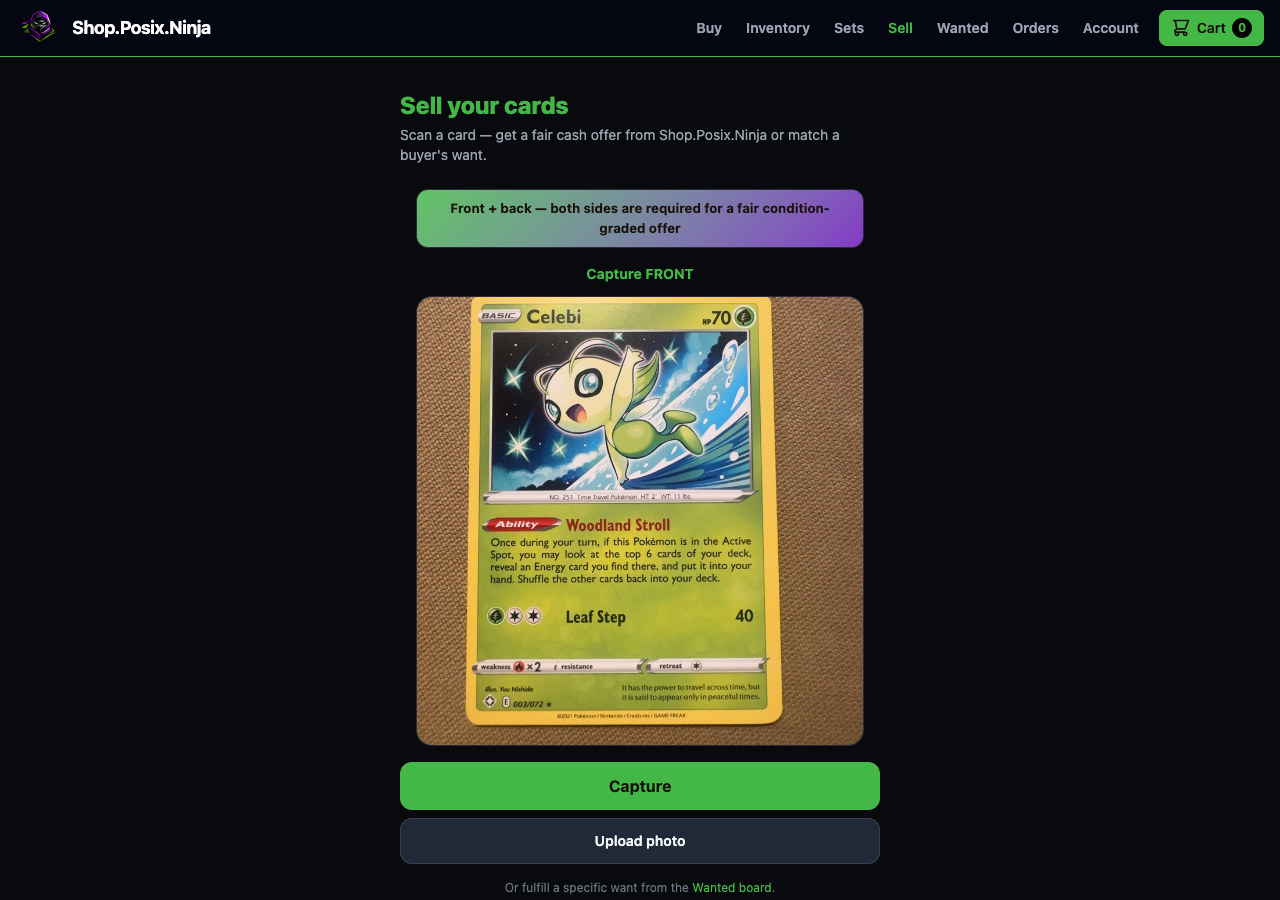
Seller camera screen with a card in the capture panel
01 Capture

Use the scanner-style sell flow.

The seller view captures front and back images before pricing or shop review.

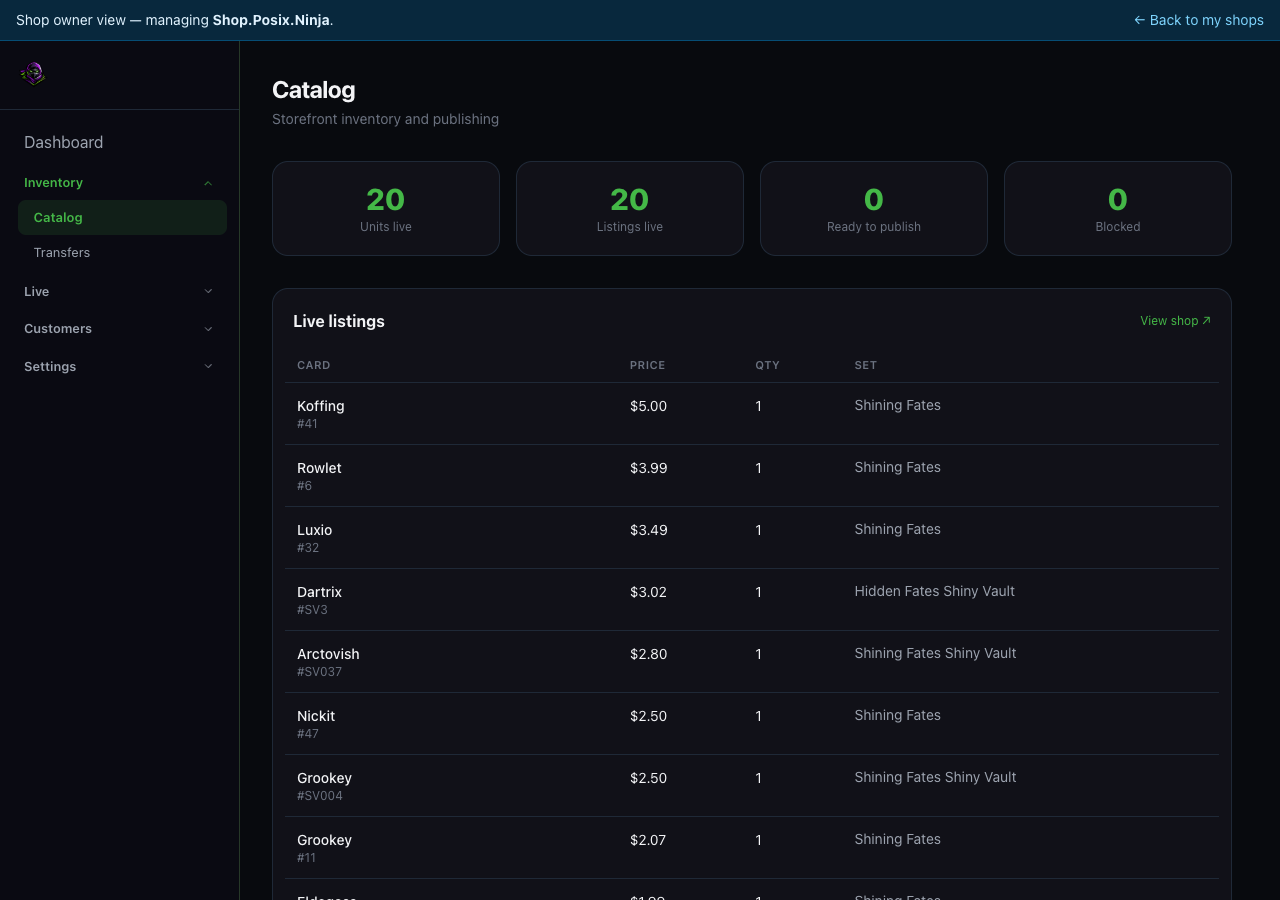
Shop admin catalog screen showing live inventory counts and listings
02 Review

Manage inventory in the shop admin.

Owners can see live counts, blocked items, prices, quantities, and what is ready to publish.

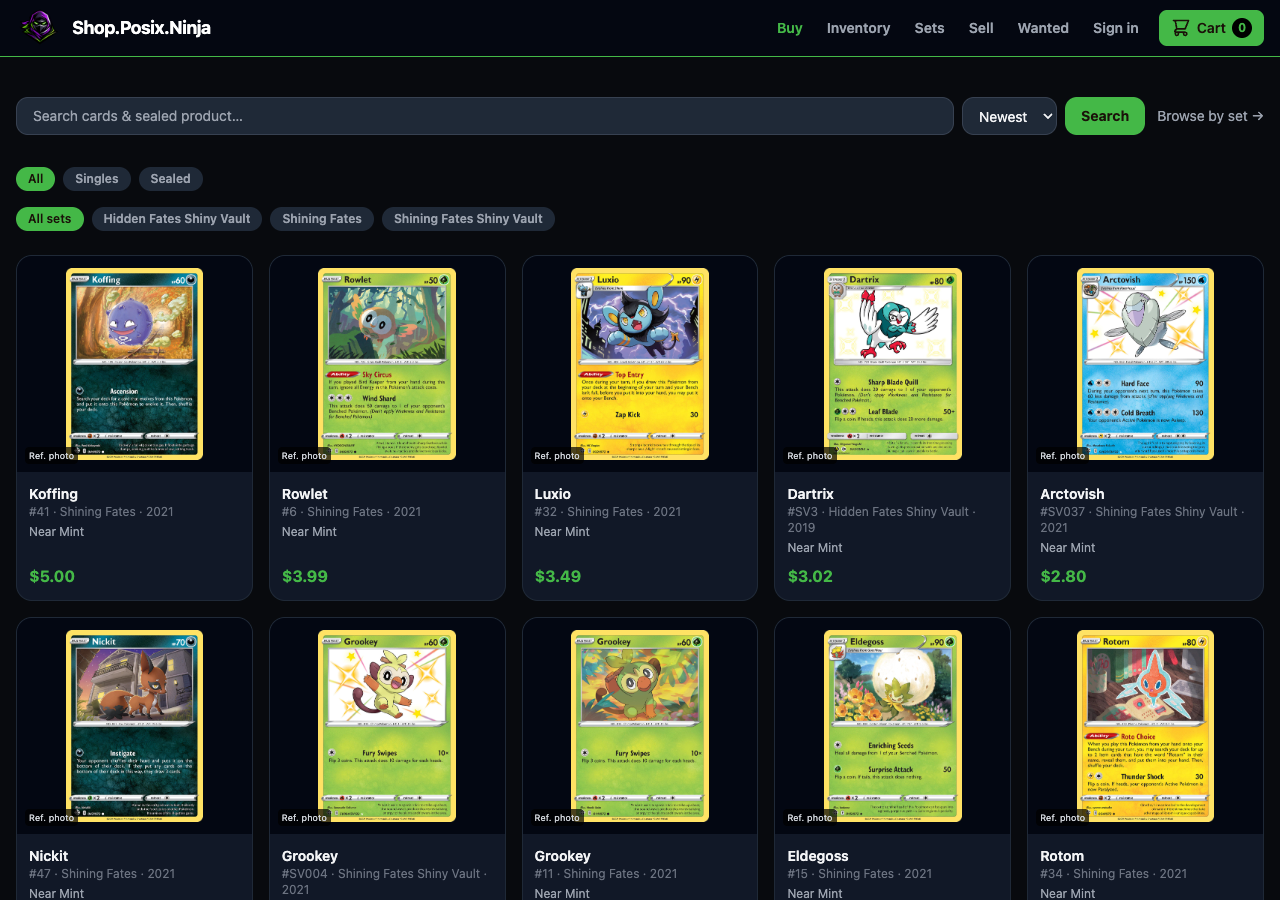
Shop.Posix.Ninja browse page showing searchable card listings
03 Publish

Put inventory into the branded shop.

Customers can search, browse by set, and see current prices without waiting for marketplace exports.

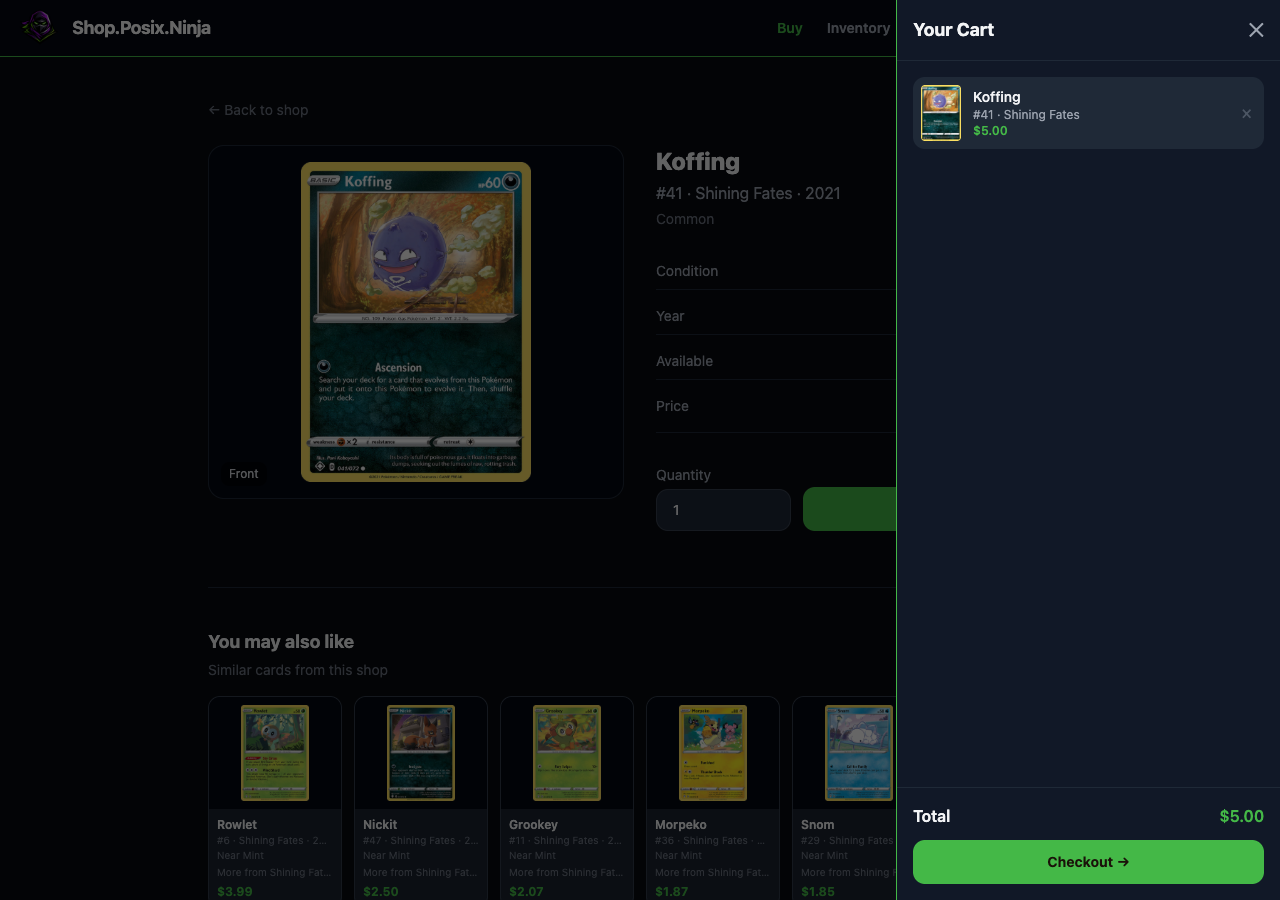
Shop cart drawer with a card added and checkout total visible
04 Checkout

Move from listing to order.

Inventory can move into cart, checkout, pickup, shipping, and order follow-up under the same shop brand.

One operating flow from intake to paid order.

NinjaPlunder is built for shops and sellers who already handle physical inventory: card show tables, local stores, breakers, online sellers, and teams that need a faster path from raw intake to searchable catalog.

Your branded shop

Logo, colors, policies, checkout, shipping, pickup, and buyer-facing storefront live under your shop identity.

Inventory with context

Track photos, details, listed channels, sold status, buyer ownership, and consigned items without duplicating records.

Seller tools when ready

Use the hosted shop first, then add scanner permissions, live sales, marketplace exports, and owner dashboards.

Start where you are.

The beta is focused on vendors, but we still want to know whether you are opening a shop, selling inventory, buying cards, or testing live sales.

I run a shop

Bring intake, pricing review, online listings, pickup, and fulfillment into one branded store.

I sell inventory

Tell us if you want to consign, sell to a shop, or move cards from shows into an online catalog.

I sell live

Help us prioritize live-stream workflows, claim handling, and inventory control for breakers and streamers.

I buy cards

Leave your email for buyer access updates while vendor shops come online.

Optional beta survey

Better details mean a better beta match.

We are onboarding a small batch first. Vendors who complete the survey are easier to evaluate because we can see audience size, sales volume, intake volume, current tools, and where the platform can save the most work.

You can skip this and stay on the contact list. Completing it helps us decide who should get the first hands-on beta slots for vendor access.
Continue with the optional survey About two minutes. No field is required except email. Improve beta chances
Contact
Business profile
Current sales channels
Live selling
Live platforms
Fit and readiness
What workflows should NinjaPlunder solve first?
Biggest blockers today

We use this information to evaluate beta fit, prioritize vendor access, and contact you about NinjaPlunder.